
Self‑service circulation with
Accessit Kiosk
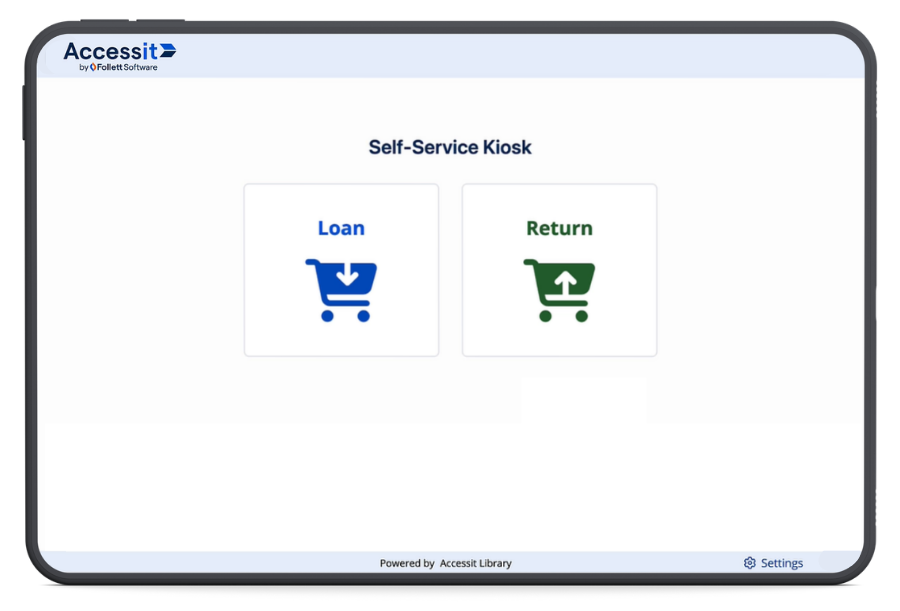
Accessit Kiosk is a browser‑based, self‑service circulation app, designed for students and staff to use independently on any device, anywhere in your school. When added to your Accessit system, it helps to streamline circulation, improve resource tracking, and support your literacy programmes.
Introduce simple, student‑proof self‑service
Accessit Kiosk is deliberately simple and student‑proof, so learners can manage their own borrowing with confidence.
The interface is designed for independent use, freeing librarians to focus on helping students meet their goals rather than managing every transaction.
Because Accessit Kiosk is intentionally built for shared stations, you don’t have to worry about students navigating away to other sites, and automatic session timeouts help protect privacy.


Student-proof locked-down UI
Automatic privacy timeout
Barcode & camera scanning
Support for 15 languages
Per-kiosk configuration
School-wide resource tracking
Need help cataloguing your classroom and department resources?
Inquire about our new Cataloguing Service, in the UK and USA to quickly bring them into Accessit and unlock the full value of Kiosk.
Achieve whole‑school visibility
Imagine having an integrated view of every resource around your school — not just what passes over the library desk. With Accessit Kiosk, that picture comes together in one place.
Every Kiosk transaction — in the library, classrooms, resource rooms, and hallways — flows back into Accessit, transforming scattered borrowing into a single, school‑wide view of resource use.
With this, you can:
See circulation activity from every classroom, department, and resource collection — not just the central library.
Build a richer picture of reading engagement across the whole campus.
Make smarter budgeting and replacement decisions, backed by real usage and loss data.
Any Space
Toggle UI settings and functionality per kiosk to suit age groups and privacy needs.
- Set up a loans‑only station near the exit to keep check‑outs moving.
- Place a returns‑only kiosk beside the returns bin so students know exactly what it’s for.
- Configure a classroom kiosk so teachers can lend and reclaim readers throughout the term.


More Devices
Run Accessit Kiosk on laptops, tablets, Chromebooks, desktops and touch-screen monitors. Lock your device in kiosk mode so users can’t navigate away from it, keep it bookmarked in a browser tab, or even install it as an app so teachers can open it on a tablet with a single tap.
Multiple Languages
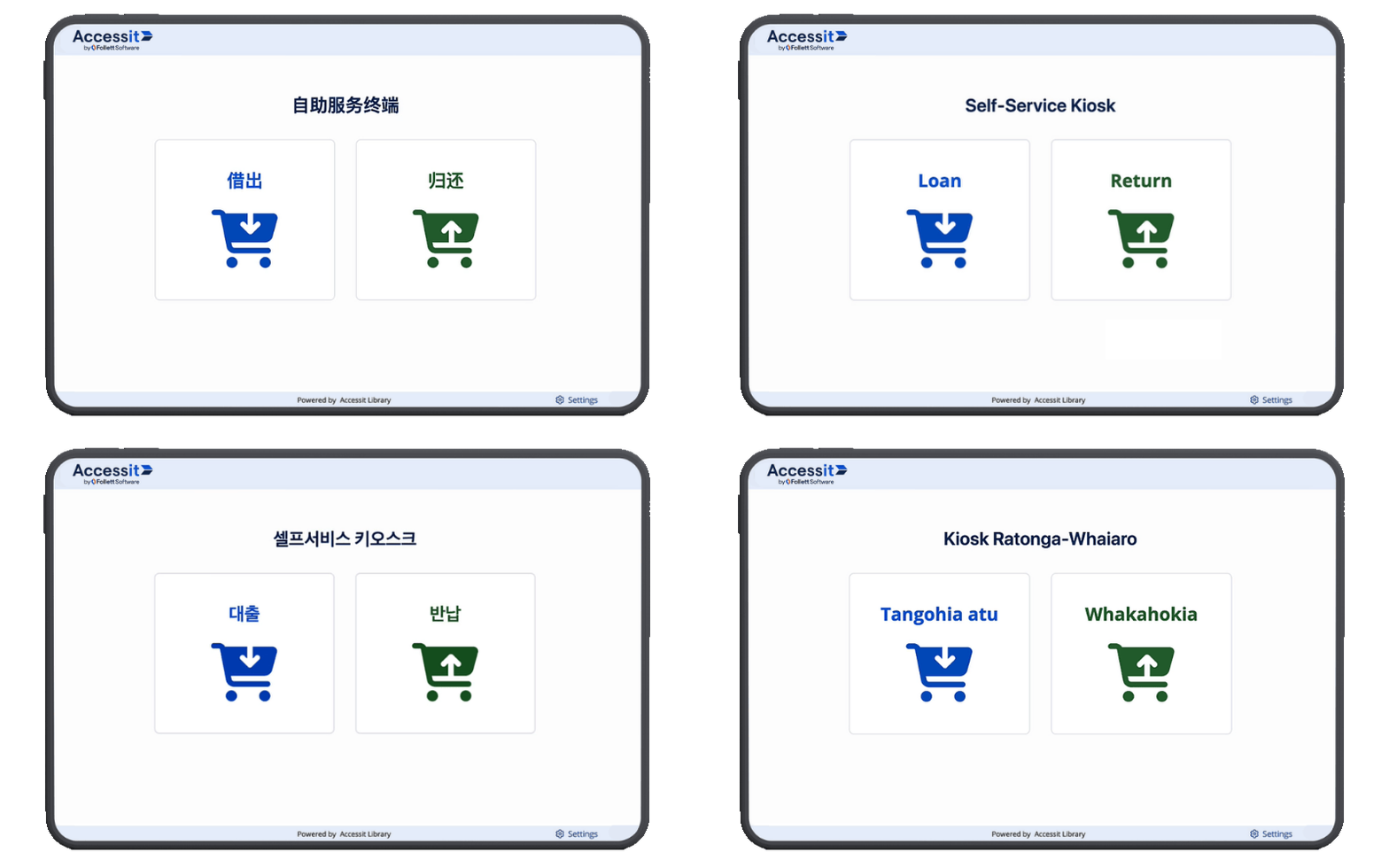
Accessit Kiosk supports 15 languages, including British and American English, Welsh, Spanish, French, Irish Gaelic, Korean, Latvian, Māori, Portuguese, Russian, Samoan, and Swedish, and each device can run in the language that makes sense for that part of the school.
What early users are saying
Thanks to our amazing library community, Accessit Kiosk has already been in use in more than 200 schools during its development. From small schools to large districts, it has been trialled in classrooms and libraries to give staff more time and empower students to take control of their own borrowing.

Even the librarians who originally pushed back on having an Accessit Kiosk station in their library are now really enthusiastic about it. They love that it frees them up to work with students on more complex tasks, while other kids are checking out their books.
– District Leader
Where the Web App and Kiosk meet
Taken together, Accessit’s enhanced web app circulation and Accessit Kiosk form a modern, integrated circulation experience:

The web app gives staff a faster, clearer, more controlled way to manage the circulation of your resources at the desk.

Accessit Kiosk extends simple, student‑proof self‑service into every corner of the school, on the devices you already have.

Accessit collects activity from both to give you a complete picture of how resources move through your school.
The value is clear: more students using more resources, in more places, with less friction — and a single, reliable record of it all. Circulation doesn’t have to live at one desk anymore.
If improving resource access for students, making better use of your staff’s time, and gaining a line of sight beyond the library are part of your goals for the year, then Accessit’s new circulation experience is for you.
Interested? Let’s talk about Accessit Kiosk.
Book a demo and our team will show you how Accesssit Kiosk can turn every classroom, corridor, and library space into a trusted access point for your shared resources.
Frequently asked questions
What is Accessit Kiosk and how does it fit with Accessit Library?
What do we need in our school to run Accessit Kiosk?
How does my Accessit Kiosk device connect to my Accessit catalogue?
I’m already using Accessit Web App for circulation. How do the Web App circulation screens and Accessit Kiosk work together?
Accessit Kiosk is built for everywhere else. It’s purpose-built for independent, unattended use – in classrooms, departments, resource rooms, or anywhere across your school where circulation is already happening but not being tracked. Because it’s a dedicated self-service app, it includes features that make unsupervised use safe and practical: auto-timeout to clear student information between sessions, configurable barcode scanning, cover images on or off, and the option to lock the device into a tamper-proof ‘kiosk mode’ so it stays on at all times.
All circulation data feeds back into one complete Accessit system behind the scenes.